Why 9007199254740993 becomes a different ID
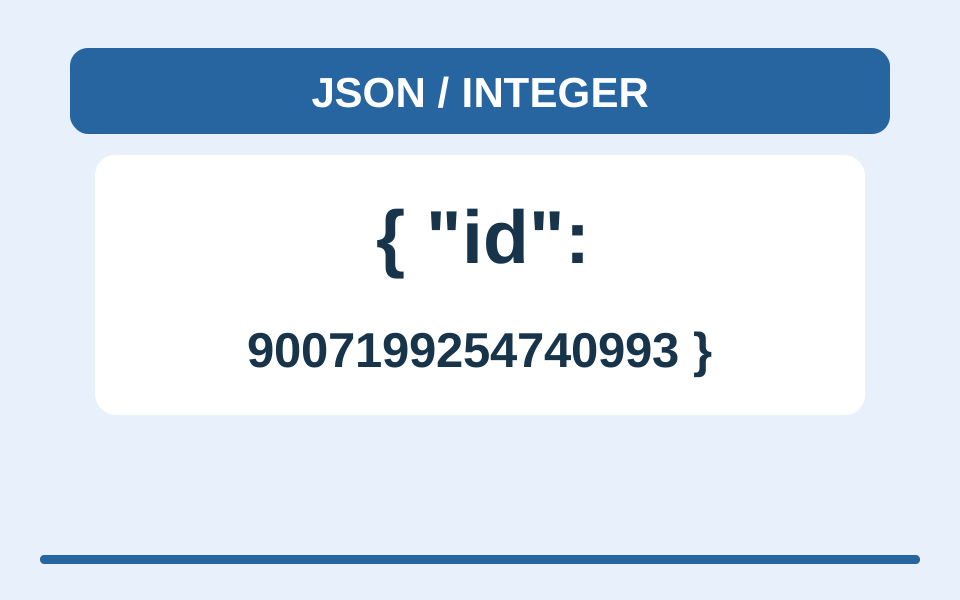
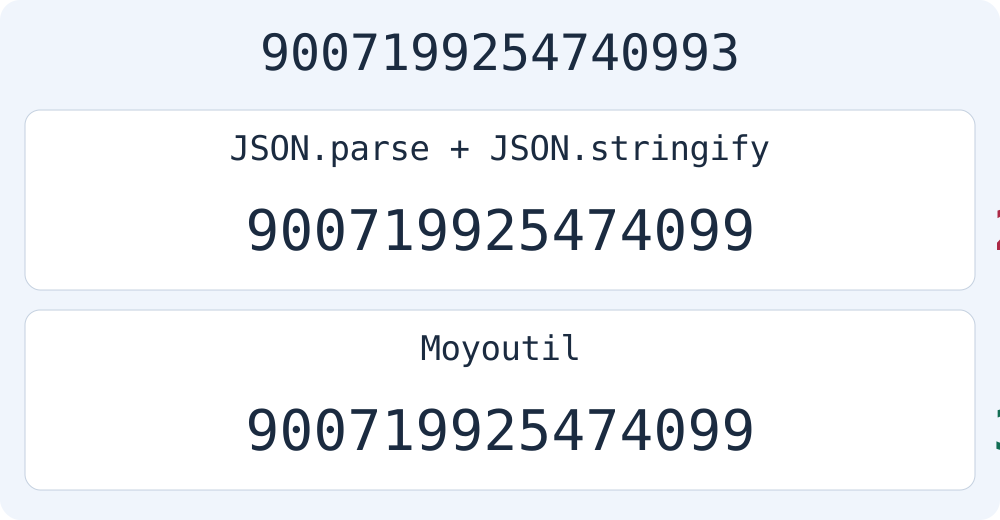
Reading this JSON with JSON.parse and writing it with JSON.stringify changes the last digit of id. It also writes 1.00 as 1 and 1e3 as 1000. The latter two changes preserve numeric value while changing notation; the ID change loses the original integer value.
const source = '{"id":9007199254740993,"price":1.00,"scale":1e3}';
JSON.stringify(JSON.parse(source));
// {"id":9007199254740992,"price":1,"scale":1000}
JavaScript Number has a maximum safe integer of 9007199254740991. Not every larger integer is rounded, but distinct integers can become the same Number value. Distinguish JSON number syntax from the precision limits of a particular parser.
ECMAScript: Number.MAX_SAFE_INTEGER
Duplicate keys: valid syntax does not ensure interoperability
When mode appears twice in one object, default JSON.parse overwrites the earlier value with the later one. RFC 8259 recommends unique object names and explains that programs can handle duplicate names differently. Do not assume every parser behaves the same way.
JSON.stringify(JSON.parse('{"mode":"first","mode":"last"}'));
// {"mode":"last"}Moyoutil does not automatically remove duplicate keys. Preserving them does not recommend using them. Check the receiving system and data contract, then resolve duplicate names where the source data is created.
Validate with Moyoutil while preserving original notation
The current formatJSON function checks syntax with JSON.parse, but builds output from original tokens instead of the parsed object. This preserves large integers, decimal and exponent notation, duplicate keys and key order. Output may differ byte for byte: whitespace and line breaks change. Minifying does not remove spaces inside strings.
formatJSON('{"id":9007199254740993,"price":1.00,"scale":1e3}', 0).output
// {"id":9007199254740993,"price":1.00,"scale":1e3}
Keep the original, paste it into the JSON tool, then format or minify. Compare important IDs and numeric notation before downloading. Editing input clears the old result and disables copying, so validate again. Input is limited to 2MiB of UTF-8 data and nesting to 128 levels.
Syntax validation does not check business rules, JSON Schema or the receiving server’s interpretation. Converting a JSON number to a string changes its type; it is not an automatic fix. First check whether the data contract allows string IDs. Reproduce problems with synthetic data instead of real secret keys or personal information.
Frequently Asked Questions
Does successful validation preserve numbers on another server?
No. This tool preserves output notation, but a receiving server that parses the text into numbers applies its own parser’s precision limits.
Does minifying JSON create a ZIP file?
No. It produces JSON text with unnecessary syntactic whitespace and line breaks removed. It does not create a ZIP file.