Understand the settings, follow worked examples, and try the tools yourself.
Images & design
Articles:
No articles match. Try another search or browse all articles.
Newest articles first
 Image
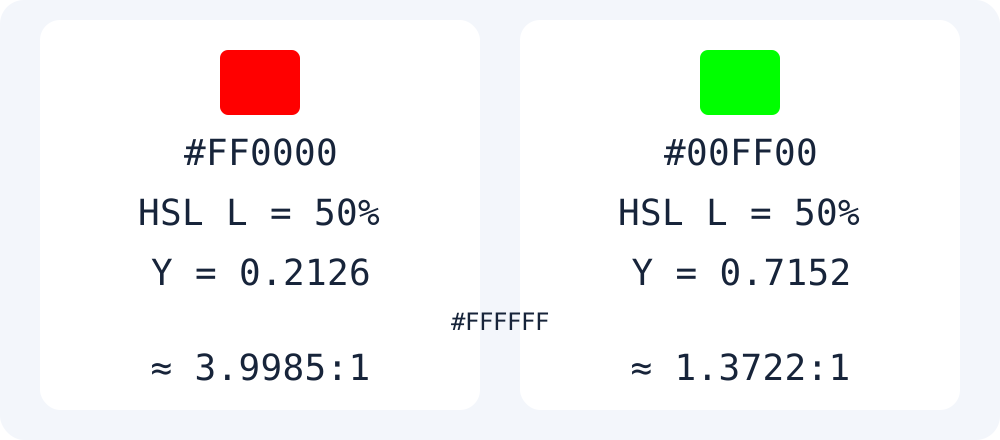
ImageWhy 50% HSL Lightness Does Not Mean Equal Text Contrast
Reproduce different relative luminance and white-background contrast for red and green with the same HSL lightness using W3C formulas.
Read the article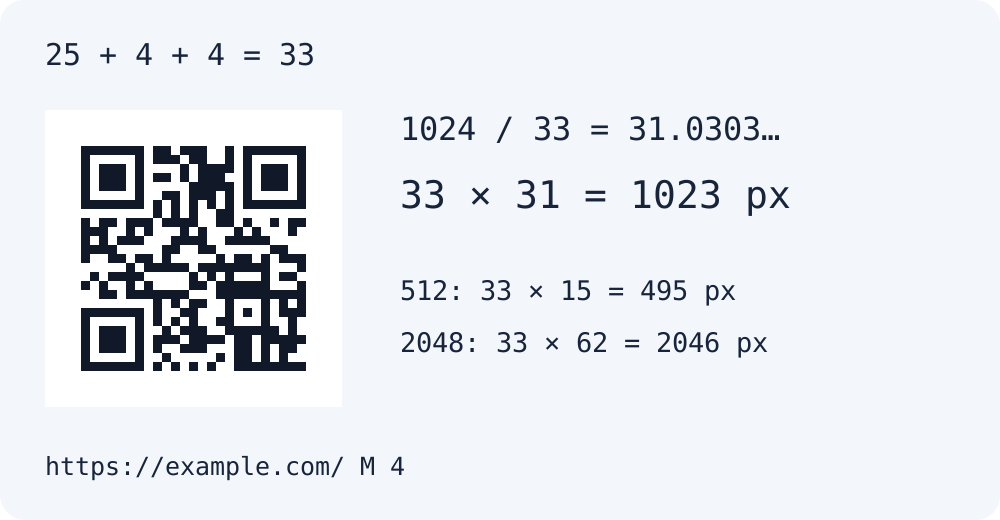 Images & design
QR Code Size: Why a 1024px Setting Produces a 1023px File
Calculate QR output size from modules, quiet zones and integer scaling. Test the same URL with 512, 1024 and 2048px limits and verify the decoded data.
Read the article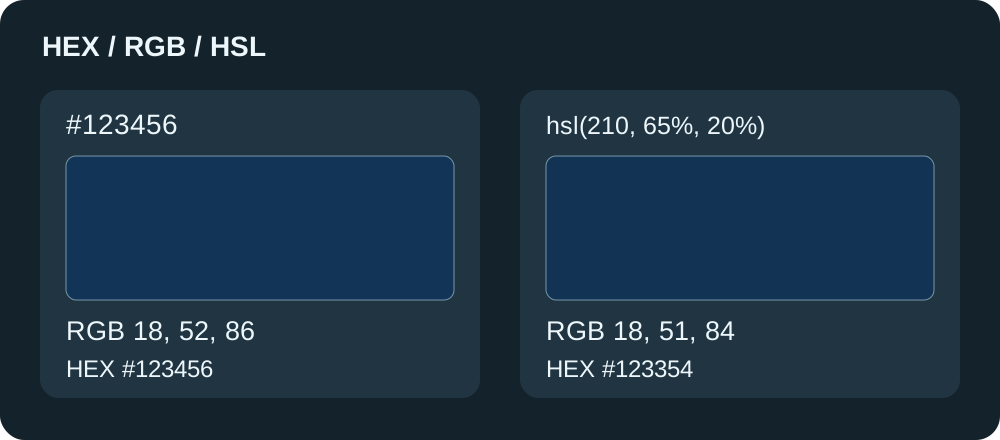 Image
ImageHEX to RGB and HSL: Shorthand Colors and Rounding Differences
Check three-digit HEX, RGB values, gray hues and rounded HSL with actual conversion results. Learn how to preserve the original color and recognize alpha-input limits.
Read the articleImageImage Upload Errors: Check Format, 100 KB Limits and Pixel Dimensions
Check actual PNG, JPEG or WebP format, decimal KB limits and exact pixel dimensions. Find the next step when a small file still fails your upload requirements.
Read the articleImageChange a 16:9 Image to 4:3: Compare Cropping and Padding
Compare center crop and padding for 16:9, 4:3, 1:1 and 9:16 images. Set pixel dimensions and see how transparent padding differs from JPEG output.
Read the articleImagePNG vs JPEG vs WebP: Measured File Sizes at Quality 60, 80 and 90
See measured byte sizes from the same 1254×1254 product example, processed with the actual Moyoutil converter. Download the source and reproduce the comparison.
Read the articleImages & designSocial Media Image Sizes: Post and Story Ratios, Cropping and Padding
Prepare square, 4:5 portrait and 9:16 story images. Compare cropping with padding, adjust image placement and choose JPG, PNG or WebP output.
Read the articleImages & designMake Social Media Carousels: Templates, Free Fonts and Editable Text
Design multiple social media slides with templates, photos and editable text. Move text, reorder slides, download a ZIP and save an editable JSON project.
Read the articleImageImage compression quality 75 vs 85 vs 95: test a 200KB target
This is an example of JPEG·WebP quality comparison performed directly. Check the actual number of bytes for the same 1600×900 image, the quality settings, and whether the 200KB goal is achieved.
Read the articleImageSocial Media Carousel Example: Text Layout and Export at 1080 × 1350
Generate three 4:5 slide examples with the actual renderer and download PNG files. Check line wrapping, clipping, margins and editable project storage.
Read the article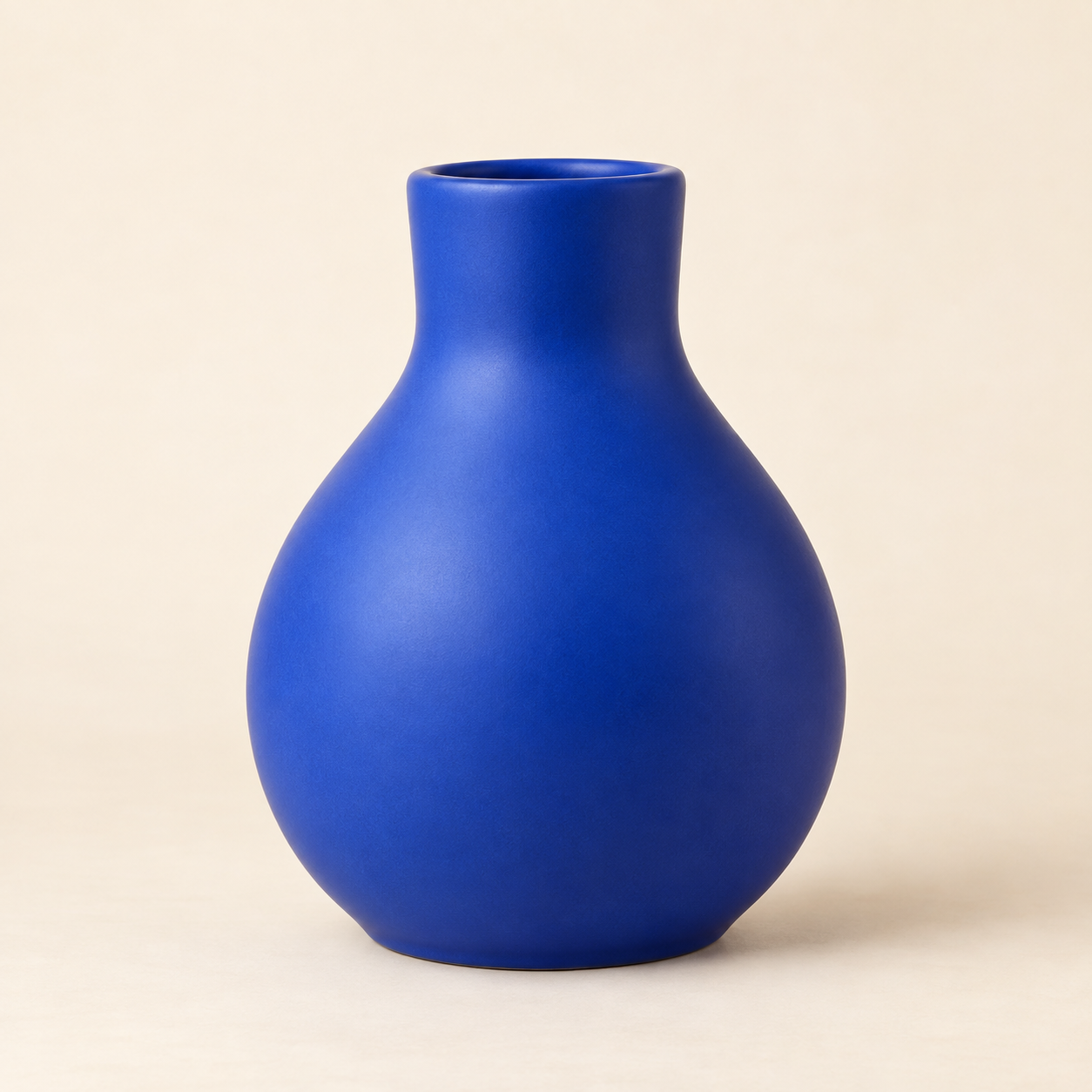 Image
ImageHow to Remove Image Backgrounds and Improve Edges
How to save a photo as a transparent PNG with the free image background removal tool. Take a look at the differences between precise and fast modes, residual background and border correction, and settings to check when hair is erased.
Read the articleImageReduce Image File Size: WebP vs PNG vs JPEG
Describes the order of adjusting pixel size, storage format, and quality when reducing image size. Compare the transparency and compression differences between WebP·PNG·JPEG and Moyoutil's actual conversion limitations.
Read the articleImageConvert Image Formats: PNG, JPG, and WebP Explained
Convert PNG, JPG, and WebP in your browser. Learn how conversion differs from renaming a file, and check transparency, quality, and metadata limits.
Read the articleImageAspect Ratio Formula: 16:9, 4:3 and Pixel Sizes
Calculate aspect ratio by dividing width and height by their greatest common divisor. See 16:9 and 4:3 pixel examples, resize formulas and rounding.
Read the articleImageHow to use online photo editor: Crop, Brightness correction, Text, Mosaic
Instructions on how to crop, rotate photos, and adjust brightness, contrast, and saturation without installation. Check the settings for adding text, mosaic, blacking out, undo, and saving PNG, JPEG, and WebP.
Read the articleImageReduce images to 200KB or less: Set target size and batch compress photos
Explains the order of reducing photos to 100KB, 200KB, and 500KB or less and the differences in quality and pixel size. Find out how to see if multiple images are meeting your goals and how to download ZIPs.
Read the article Image
ImageImage Compression Quality and File Size: How to Read the JPEG·WebP Comparison
Explains the relationship between JPEG·WebP quality values and target capacity, and the influence of transparency and number of pixels. Compare actual results with the same inputs and see how to choose the settings you need.
Read the articleImages & designCreate a free QR code: How to save URL/text as PNG/SVG
Guide to how to create a static QR code, the differences between PNG and SVG, and selection of white margin, output size, and error restoration level. It also explains what to check before scanning and limits on link changes.
Read the article