Original experiment and reproduction conditions
The original is an AI-generated product example image provided by Moyoutil. This is not an original actual camera shot. PNG, 1254×1254 pixels, 1,611,701 bytes, no transparent areas. I re-encoded it with toBlob in the browser Canvas without changing its size. Quality values of 60, 80, and 90 were entered for JPEG and WebP, respectively, and no quality values were applied to PNG.
Download the same original image
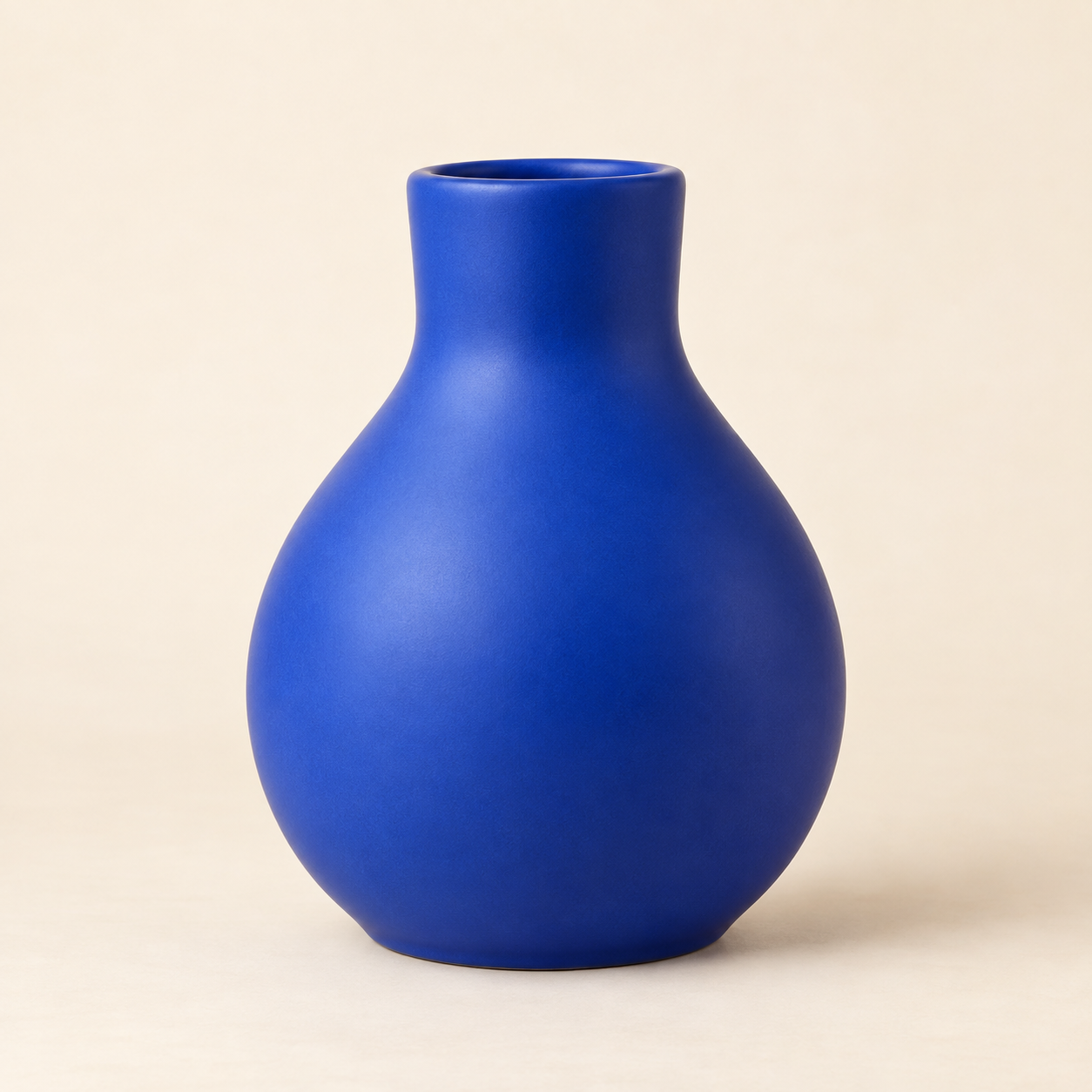
This source is provided as a comparative running example. It does not transfer the user's files and the execution below recalculates them in the current browser. If the values differ from the saved table, also check the browser encoder differences.
Number of measured bytes and interpretation of results
| Format | Enter quality | Actual bytes |
|---|---|---|
| PNG | Not applicable | 2476565 |
| JPEG | 60 | 33329 |
| JPEG | 80 | 62518 |
| JPEG | 90 | 120497 |
| WEBP | 60 | 13816 |
| WEBP | 80 | 24234 |
| WEBP | 90 | 67034 |
For this input, WebP was smaller than JPEG at the same quality number, but this is not a comparison measuring equal quality. Quality numbers do not have the same meaning in each format, and results vary depending on the image content. Visual differences require direct comparison by enlarging the resulting files at the same magnification.
PNG resave is larger than the original at 2,476,565 bytes. Saving as PNG does not always reduce the size. This measurement records file size and is not an experiment evaluating the universal superiority or inferiority of compression algorithms, color accuracy, or perceived quality scores.
Run again in my browser and compare at scale
Try running it directly without a file
Runs the actual tool's processing code with example material created by the site. Results are currently computed in the browser and no input data is uploaded to the server.
button displays results and example files.
Examples are not actual visitor data or performance. File size and font shape may vary depending on browser, device, and font.
Open a close-up comparison of the resulting image, allowing you to scroll through the image at its actual pixel size. Compare the edges of the same scene with areas with gentle changes in brightness. The download file will contain the results encoded in the format you selected. All original sizes are the same, don't assume quality differences based on small previews.
API action notes: MDN Canvas toBlob. Moyoutil checks the MIME type of the returned blob, as unsupported formats may fall back to PNG.
Frequently Asked Questions
Is quality 90 90% of the original quality?
No. These are the settings values passed to the browser encoder. This does not mean that JPEG and WebP with the same number have the same quality.
If I change to PNG, will the old JPEG loss disappear?
No. It is not a feature that restores details that have already been lost. PNG output may be larger than the original.